Mar 14, 2026
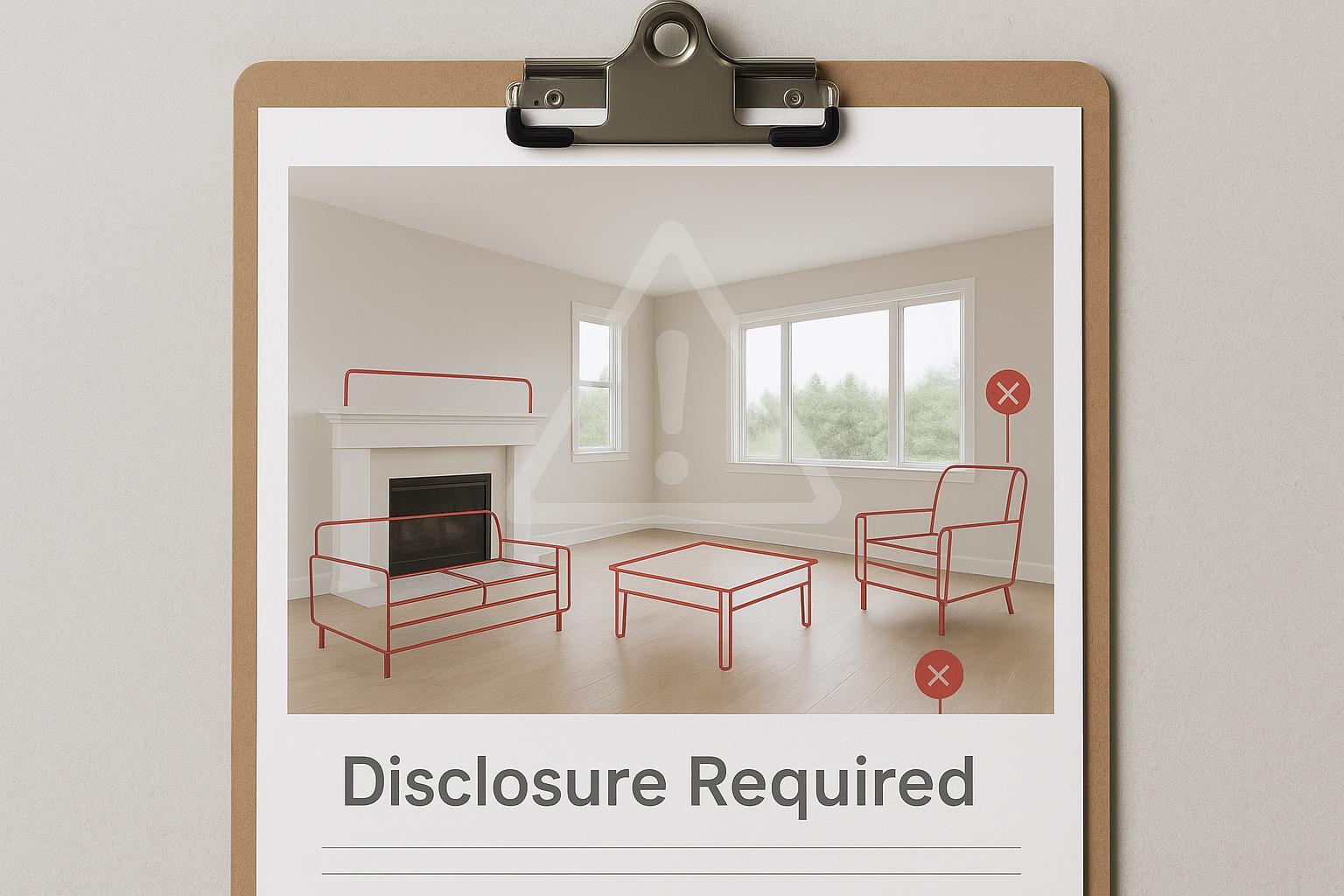
If you manage a brokerage in 2026, you’re not just editing photos—you’re managing liability. Free or low-end AI “virtual staging” tools can cross the line from helpful enhancement to real estate false advertising in a single click. The result isn’t just a takedown from your MLS; it’s reputational harm and potential exposure under federal deception standards, professional ethics rules, and emerging state laws.
Here’s the core reality: U.S. advertising law cares about the net impression of an image. If a staged photo misleads a reasonable buyer about layout, permanence, or condition, you’ve created risk. The National Association of REALTORS requires agents to present a “true picture” in all advertising, and multiple MLSs now specify exactly how and where to disclose digitally altered images. California even enacted a disclosure statute for digitally altered listing images that takes effect in 2026. That’s the ground you’re standing on—so let’s draw the red lines clearly and put a broker-ready compliance playbook in place.
The red lines of virtual staging
Virtual staging should help buyers imagine furnishings—not invent a different property. The following prohibitions are grounded in MLS rules and the professional duty to present a true picture.
Do not add, remove, or modify real property elements. Alterations to walls, windows, doors, flooring, cabinetry, fireplaces, built-ins, or fixtures create a false depiction. CRMLS states that subscribers may not add any altered images that add, remove, or modify real property elements and requires clear labels such as “digitally altered,” “digitally enhanced,” or “virtually staged” in the description field. See: CRMLS Digitally Altered Image Guidance and FAQs.
Do not conceal or delete permanent fixtures or conditions. Hiding vents, radiators, sprinklers, or evidence of damage misleads buyers about utility and condition—contrary to the profession’s duty to present a true picture. Article 12 of the NAR Code of Ethics requires REALTORS to be honest and truthful and to “present a true picture in their advertising and representations” (NAR Code of Ethics and Standards of Practice (2026)).
Keep furniture scale and perspective accurate. Oversized or miniaturized furniture that distorts room dimensions crosses from stylistic choice into misrepresentation. CRMLS’s photo/media rules call out misrepresentation of scale as noncompliant (Flexmls Photographs and Media — CRMLS).
Maintain multi-angle consistency for the same room. Contradictions across angles (a sectional appears on one side in one photo and on another side in the next) signal fabricated scenes and erode trust. A “true picture” applies across the set, not just per image (anchored in NAR Article 12).
Always disclose clearly and conspicuously—right where buyers see the image. MLSs specify placement (photo descriptions/captions, public remarks, or both). The FTC expects disclosures to be unavoidable and proximate to the triggering content (FTC business guidance on clear and conspicuous disclosures).
How real estate false advertising law applies
The federal baseline. The Federal Trade Commission enforces Section 5’s prohibition on unfair or deceptive acts. In practice, the Commission expects disclosures to be “clear and conspicuous”—unavoidable, near the claim, and in language buyers understand. The FTC’s business guidance on disclosure placement articulates this proximity-and-prominence standard that also applies to images in digital ads.
The professional duty. Article 12 of the National Association of REALTORS Code of Ethics requires REALTORS to be honest and truthful and to present a true picture in advertising and representations. Related Standards of Practice extend that obligation to internet content and images.
Representative MLS rules (what your staff actually touches). CRMLS prohibits altering real property elements and instructs subscribers to label edited imagery (e.g., “digitally altered,” “digitally enhanced,” “virtually staged”). Bright MLS requires that when using virtual staging, the listing agent disclose in the Public Remarks field and ensure the imagery reflects a true picture of the property. Stellar MLS requires “Virtually staged” in the photo description field and auto-populates a public-remarks statement (“One or more photo(s) was virtually staged”) when the proper checkbox is used. ARMLS permits an optional “Virtually Staged” watermark and directs users to place details in the media description field while observing its branding/text rules for photos.
State-level developments to watch. California’s AB 723 (effective Jan 1, 2026) requires a conspicuous disclosure on or adjacent to any digitally altered image used in real estate advertising and, for broker-controlled websites, requires providing the unaltered original image or a link to it. While California is an early mover, the operational lesson travels nationally: prepare to pair an original with any altered image where you control the posting environment, and make disclosures conspicuous and proximate. See the California Senate Judiciary analysis of AB 723.
For direct policy references:
NAR: “REALTORS shall present a true picture in their advertising and representations.” — NAR Code of Ethics and Standards of Practice (2026)
CRMLS: “Subscribers may not add any altered images… that add, remove, or modify any real property elements…” — CRMLS Digitally Altered Image Guidance and FAQs
FTC: Disclosures must be “clear and conspicuous,” i.e., unavoidable and near the triggering content — FTC business guidance on disclosures
Bright MLS: Disclosure belongs in Public Remarks — Bright MLS virtual staging guidance
Stellar MLS: Photo description must state “Virtually staged”; an auto-remark is added to public remarks — Stellar MLS listing compliance guidance
ARMLS: Optional “Virtually Staged” watermark rules — ARMLS watermark rules
The broker compliance playbook
Your agents should not be deciding compliance on the fly. Stand up a central workflow with explicit controls and documented proof. Build five pillars and keep them consistent across markets.
Intake and archival controls. Require agents and photographers to submit original, unedited photos alongside any edited versions. Maintain version histories. Where you control the posting (your website or media hub), pair the original next to the altered image and label both appropriately. This anticipates obligations like California’s AB 723 while satisfying general disclosure proximity principles.
Approval gates before syndication. Implement a media review queue led by trained staff. A reviewer signs off that: no real property elements were added/removed, permanent fixtures are intact, furniture scale is plausible, lighting and shadows are coherent, and captions include conspicuous disclosure in the correct MLS fields.
Disclosure placement map. Document requirements by market. For example: Bright MLS requires disclosure in Public Remarks; Stellar MLS requires “Virtually staged” in the photo description field plus its auto-remark; CRMLS wants specific descriptors and, for California, pairing the original image. Build this into listing templates so agents can’t miss it.
Red-line QA rubric. Treat each image like evidence. Check structural integrity (no added/removed walls, windows, doors, or built-ins), fixture presence (vents, sprinklers, fireplaces, radiators remain visible unless also present in the original), accurate scale (no toy-sized or giant furniture), multi-angle consistency (same furniture set and placement logic across shots of the same room), and disclosure proximity (labels in captions/remarks per rule; watermarks if allowed and helpful).
Vendor SLAs and agent policy. Put it in writing: non-destructive editing only; provide original files; support multi-angle consistency; include metadata or file naming for “virtually staged”; retain an audit log of edits; furnish a mechanism to export an unaltered-original/altered pair. Train agents on why these steps are non-negotiable.
Sample disclosure language you can adapt (confirm locally): In a photo caption, “Virtually staged. Furnishings added digitally; no structural elements altered.” In Public Remarks (where required): “One or more photo(s) was virtually staged.”
Evidence and the current enforcement posture
MLSs police images—even when they don’t publish running tallies. OneKey MLS explains its violations process and directs immediate removal of rule-violating content (OneKey MLS rules overview). CRMLS publishes detailed altered-image guidance and reserves citation and removal for noncompliant media (CRMLS Digitally Altered Image Guidance and FAQs). In short: the absence of public fine totals does not imply permissiveness; it signals that content moderation happens behind the scenes, often fast.
Here’s the pattern many compliance teams report: an agent uses a free tool, a room appears larger due to toy-sized furniture, a buyer complains after touring, and the listing gets flagged. The MLS requests edits or removal; sometimes the brokerage must issue an addendum clarifying what the property really includes. Even when there’s no lawsuit, the reputational cost is real—buyers remember being misled.
If you’re wondering whether your current image pipeline could trigger real estate false advertising concerns, that question alone is a sign to tighten controls now.
A neutral example workflow with authentic AI staging
When you need an enterprise-safe process, choose tools and steps that make compliance easier, not harder. For example, Collov AI supports multi-angle staging designed to keep furniture, style, and placement consistent across several photos of the same room and offers an expert QA review before delivery. A compliance-forward workflow might look like this: upload multiple angles of the same room so the system can apply the same design consistently across views; set style and functional requirements (e.g., show a queen bed with two nightstands) so scale expectations are explicit; review outputs for structural integrity, fixtures, scale, and angle consistency; and export files with clear labels for captions (“Virtually staged”), attaching or linking the original unaltered images where your site allows. On MLSs, place disclosures exactly where the rules specify.
To see how multi-angle consistency works in practice, review Collov’s feature overview and tutorial: Collov AI Multi-Angle Staging and the Collov AI Tutorial. Use this as an example; always align with counsel and local MLS rules.
Next steps for protecting brokerage reputation
Audit your current listings and media library, removing or relabeling anything that could mislead a reasonable buyer. Deploy the compliance playbook, then update vendor contracts and agent training so non-destructive editing and multi-angle consistency are table stakes. Assign a media compliance lead with authority to pause syndication until images pass the red-line QA rubric. If you want a practical tool example to plug into this workflow, review the materials above and assess whether they support your compliance program without inflating risk.
Legal disclaimer: This article is for informational purposes only and does not constitute legal advice. Laws, rules, and MLS policies change and vary by jurisdiction. Consult your legal counsel and check your local MLS rules before implementing any policy or workflow.